
Bonetale Unblocked: How to Play Safely, Smoothly, and Without Headaches
Play Bonetale Game for Free
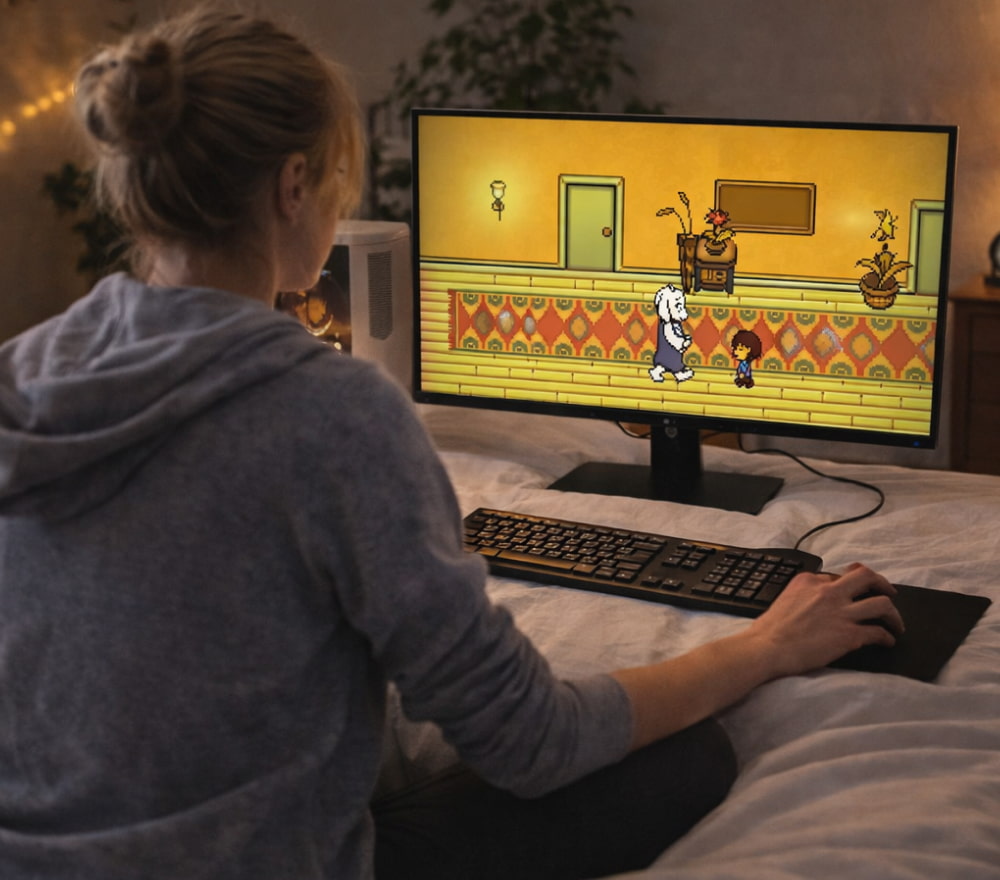
DownloadBonetale is a fast-paced fan-made fighting experience inspired by the Undertale universe, known for tight dodging, bullet-hell patterns, and a surprising amount of depth for short sessions. Because it runs well on modest hardware and can be picked up quickly, it often becomes a go-to choice for players who want a skill-based challenge without a long setup. For quick breaks and practice runs, many players look for Bonetale unblocked game on public devices or restrictive networks.
What Makes Bonetale Fun
The game’s appeal comes from three simple ingredients: readable patterns, rapid feedback, and a high ceiling for mastery. You can improve in minutes, but perfecting movement and timing can take much longer. The best moments happen when you recognize a pattern, stay calm, and thread the needle through projectiles with clean, minimal motion.
- Short sessions that still feel rewarding
- Skill-based dodging that improves with practice
- Fan creativity: battles, effects, and remixes that feel fresh
- Low barrier to entry for new players
What “Unblocked” Usually Means (and What It Should Not Mean)
In everyday use, “unblocked” can simply mean “accessible in a browser” or “available on a site that loads on common networks.” It should not be treated as an excuse to bypass rules, security controls, or content filters that exist for safety and policy reasons.
If a site labels itself as unblocked Bonetale, treat it as a convenience format rather than a loophole.
Best practice: play where it’s allowed, and when you’re unsure, choose a legitimate source you can access at home instead of trying to force access on a restricted network.
Safe Access Checklist
Before you play on shared devices (school, library, office), it helps to follow a safety-first approach. This protects your accounts, your files, and the network you’re using.
- Use a reputable site with clear ownership, a privacy policy, and minimal intrusive ads.
- Avoid pages that request suspicious permissions, unexpected extensions, or “allow notifications” prompts.
- Never enter passwords into a random game page; a legit game shouldn’t ask for that.
- On shared computers, avoid saving downloads to the desktop or leaving files behind.
- If your network blocks gaming sites, respect the policy and play later on your own connection.
Downloads: How to Evaluate Links Without Risk
Some versions of Bonetale are shared as standalone files rather than browser play, and that’s where caution matters most. Downloads from unknown sources can bundle unwanted extras, including adware or worse. If you do download a file, keep it clean: check the publisher, scan the file, and avoid anything that looks repackaged. When you see Bonetale unblocked download links, prioritize official mirrors and scan files before opening them.
Practical Tips for Cleaner Downloads
- Prefer sources that show version notes, file size, and a changelog.
- Be suspicious of “one-click installers” from ad-heavy pages.
- Use your operating system’s built-in security checks plus a trusted scanner.
- If the file type looks unusual for a simple game (or asks to install extra software), skip it.
Browser vs. Offline Play: What to Choose
Browser play is convenient for quick sessions, while offline play can be better for consistent performance, reduced lag, and fewer distractions. If you’re practicing hard patterns, a stable frame rate matters, and a local copy can help—provided it’s obtained responsibly.
Some fans prefer Bonetale download unblocked because it keeps a portable copy for offline practice. A trusted community post can explain Bonetale download unblocked options without pushing risky workarounds.
Performance and Comfort Settings
If gameplay feels choppy or inputs seem delayed, the issue is often the environment rather than the game itself. Browsers, background tabs, and power-saving settings can all affect responsiveness.
- Close heavy tabs (video, social feeds, streaming) before you play.
- Disable battery saver mode if you’re on a laptop and need consistent performance.
- Lower any in-game visual effects if the option exists.
- Use a wired mouse when possible for more consistent input.
Quick Troubleshooting Guide
| Problem | Likely Cause | Fix |
|---|---|---|
| Game won’t load | Blocked scripts or heavy ad overlays | Try another reputable host, refresh, or use a different browser profile |
| Input feels delayed | Background tasks, low power mode, high latency | Close apps/tabs, disable power saver, restart browser |
| Stuttering during fights | Frame drops from effects or low-end GPU | Reduce effects if possible, play offline, keep the device cool |
| Download seems suspicious | Bundled installer or misleading button | Do not run it; find a cleaner source and scan files before opening |
Playing Respectfully on Restricted Networks
Even if a game is harmless, network policies may exist for bandwidth, productivity, or safety reasons. The most reliable route is to play where you have permission. If you want to use downtime responsibly, consider downloading at home (from legitimate sources) and playing offline on your own device.
Before clicking unblocked Bonetale download, read your school or workplace policy and ask for permission if needed.
Common Questions
Is it better to play in a browser or offline?
Browser play is convenient, but offline play can be smoother and less distracting. Choose browser play for short sessions; choose offline if you’re serious about consistent practice.
How do I avoid unsafe sites?
Look for clear site ownership, fewer intrusive ads, and no strange permission requests. If a page tries to push extensions, notifications, or additional installers, it’s safer to leave.
What if I can’t access it on my current network?
Respect the network rules and play later on a personal connection. You’ll save time, avoid trouble, and reduce security risks.
Final Tips for Better Practice
- Practice movement first: smooth dodges beat panic dashes.
- Learn patterns in small chunks instead of trying to brute-force the whole fight.
- Take breaks—fatigue makes bullet-hell harder than it needs to be.
- Keep your setup consistent so your timing stays reliable.
Once you’ve got a safe setup and a stable way to access the game, you can focus on the part that matters: improving your reads, tightening your dodges, and enjoying the fan creativity that makes Bonetale memorable.